GAYBOY
A downloadable music workstation
I made a free Game Boy synth, piano-roll sequencer and drum machine. It lives in a .gb ROM. Write melodies, program drums, arrange songs and make a whole lot of noise on a tiny screen.
★ PLAY IN YOUR BROWSER + TAKE THE TUTORIAL ★
★ GAYBOY's blurbs ★
Your Game Boy has a music problem.
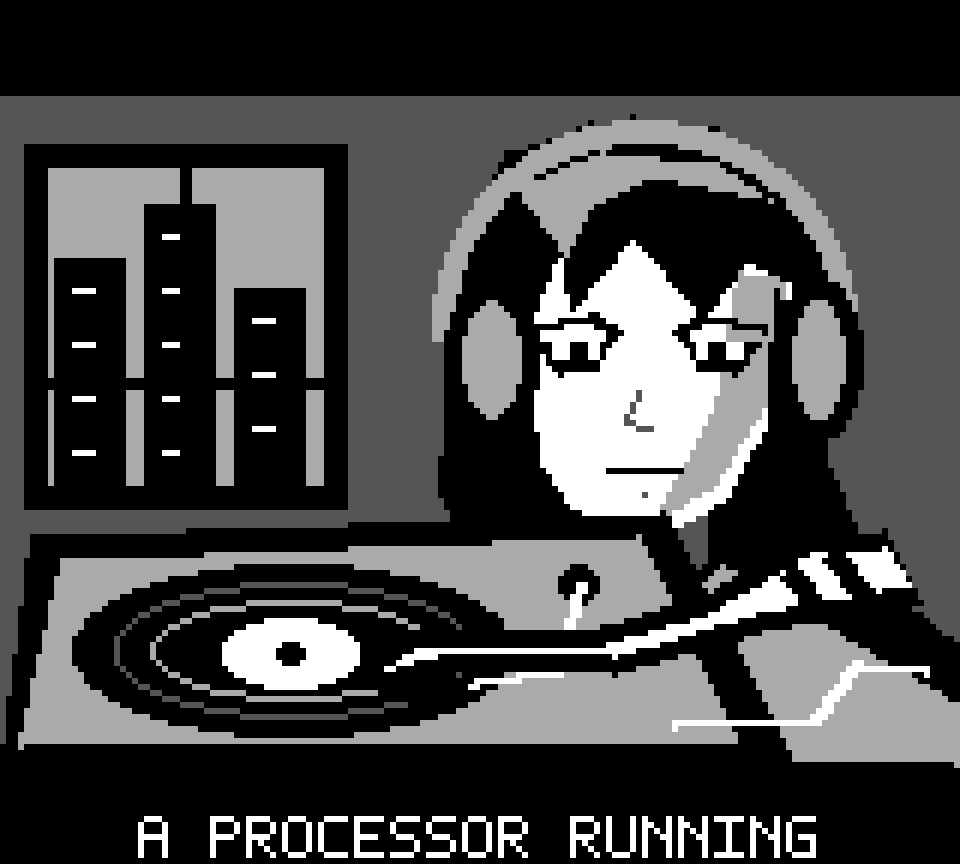
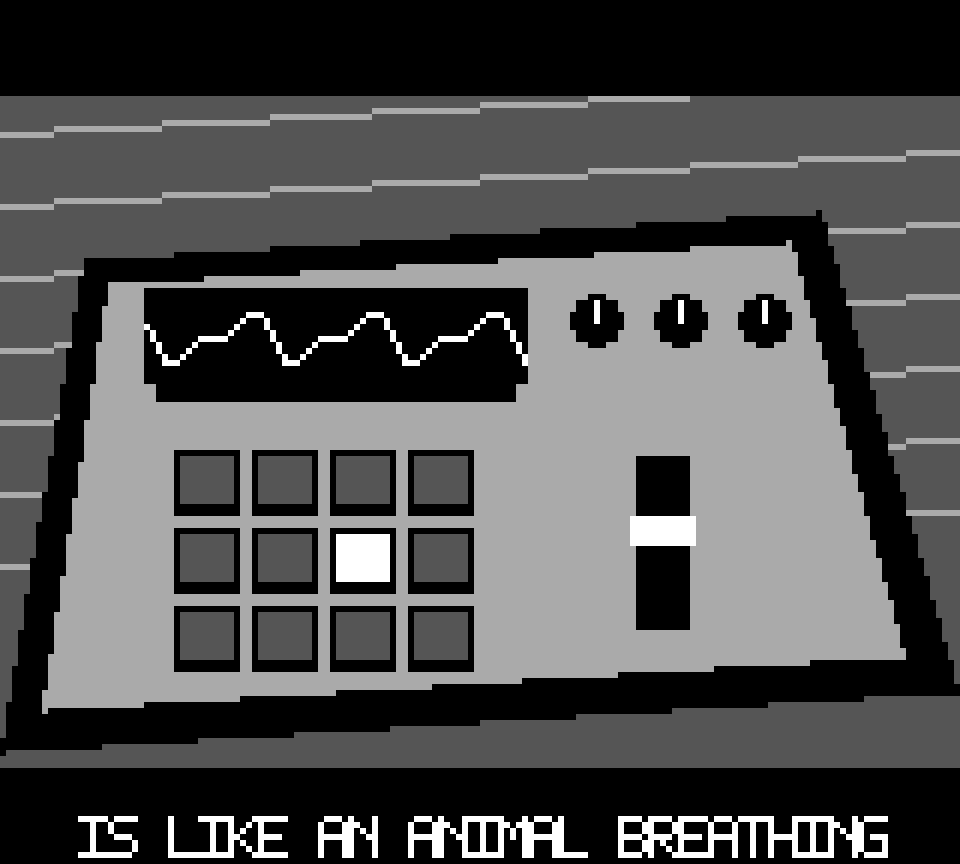
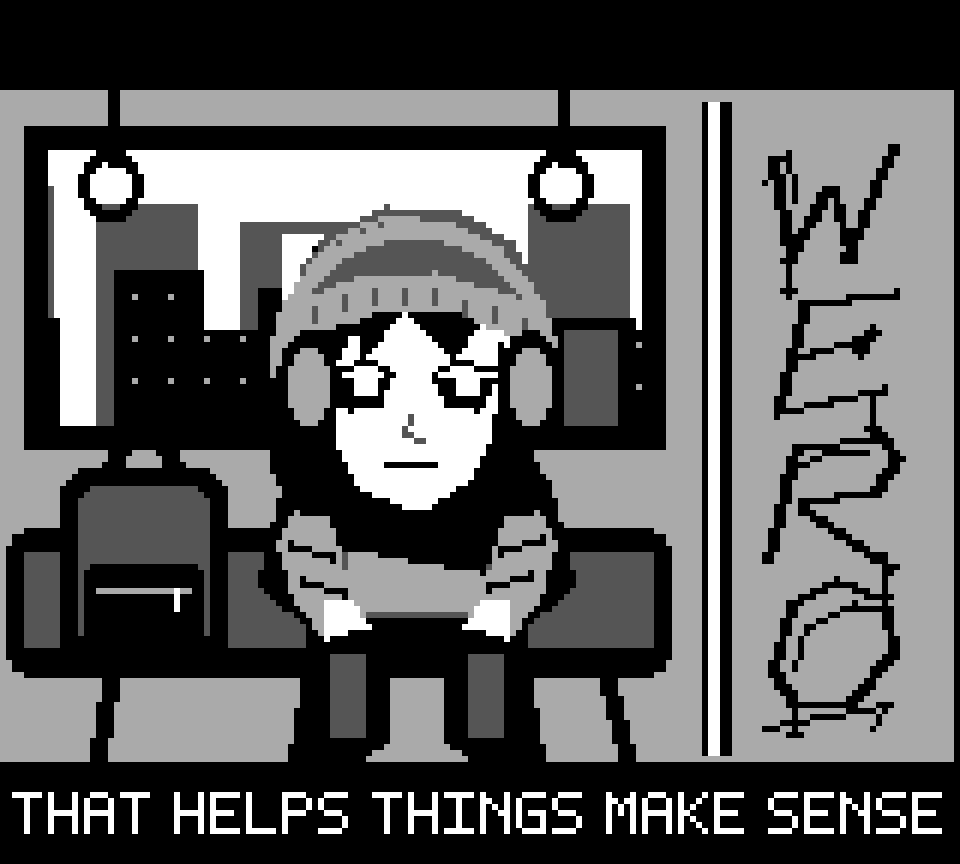
Good. Let's make it worse. GAYBOY turns the handheld into a little music workstation: native pulse, wave and noise voices, a piano-roll editor, sample drums and a performance mixer. There's a pixel-art intro too, because being extra is the point.
- Synths: editable tones, presets, envelopes, modulation and arpeggiation.
- Piano roll: edit notes, lengths and velocities, audition notes while stopped, and switch tracks and patterns.
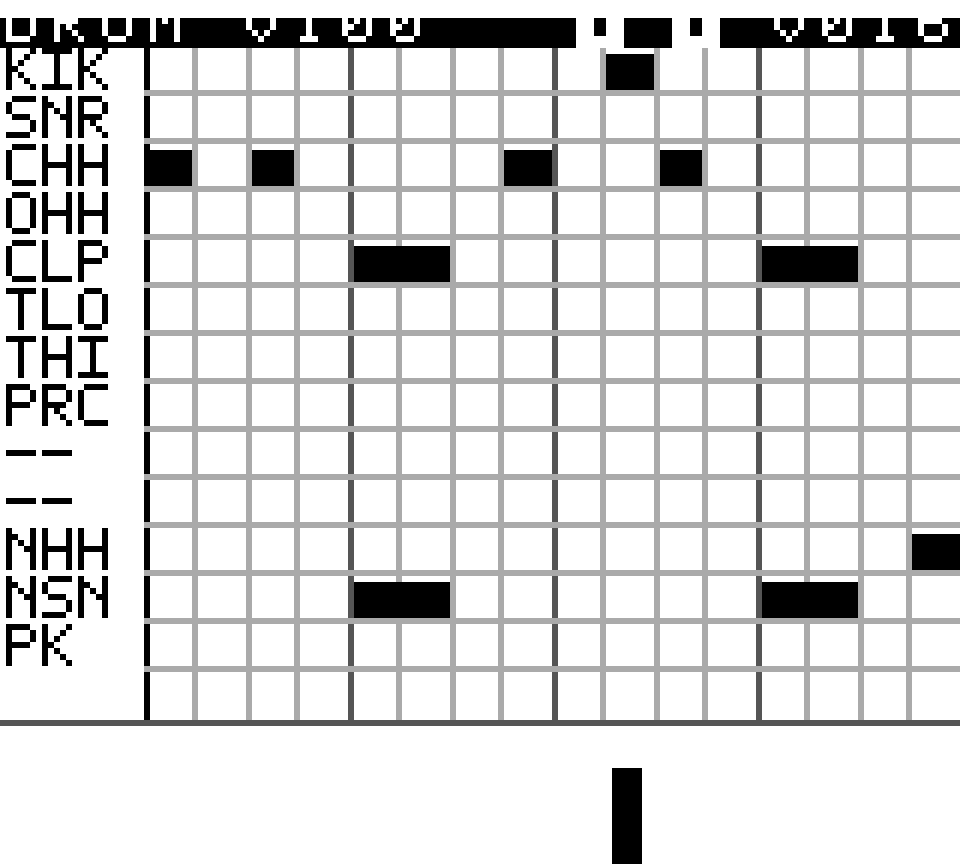
- Drum machine: ten PCM sample rows, two noise-drum voices and a pulse kick, with kits and individual mute/solo.
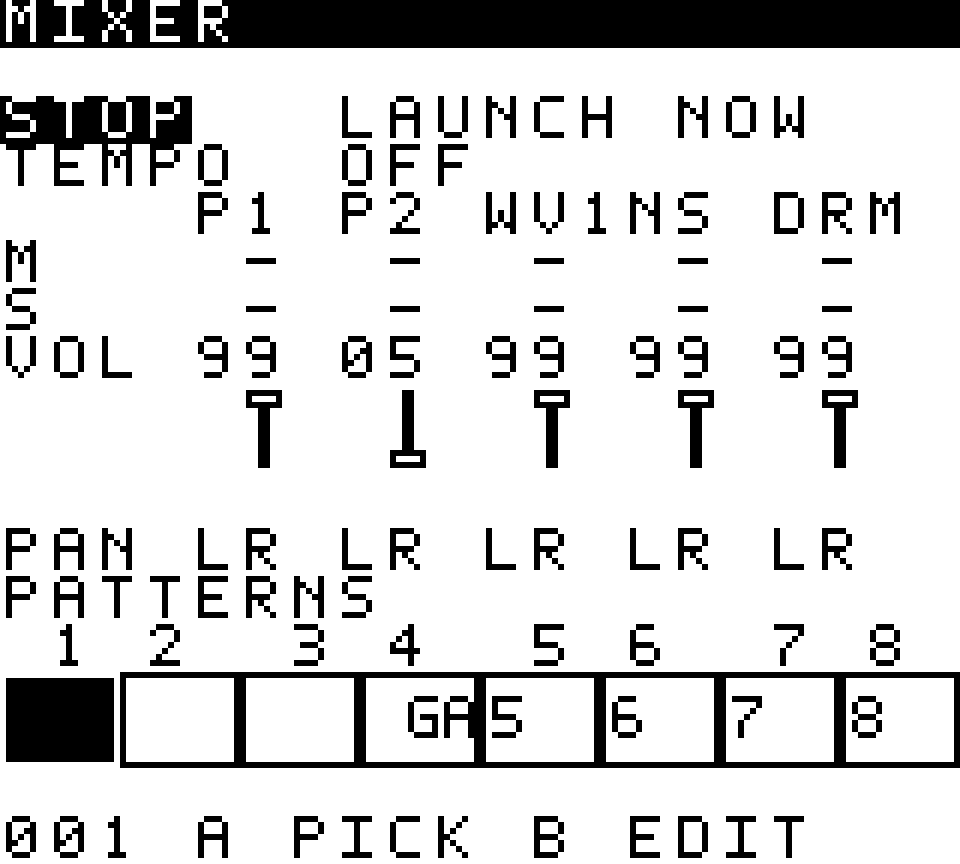
- Performance mixer: pattern pads, channel levels, pan, mute/solo and global tempo.
- Song arrangement: arrange clips from five resident patterns into a song.
- Playback: play while editing, or use Smooth Playback for prepared playback with a static screen.
- Connections: external MIDI through Arduinoboy in mGB mode; supported Game Boy live-link and TWINK song playback with a separate Monosimp receiver.
The local synth and drums share the Game Boy's four physical sound channels. Sample drums temporarily use the wave output. External connections need compatible hardware and software.
★★★ THE DOWNLOAD ZONE ★★★
GAYBOY 1.0 ★ final free demo ★ 1 MiB ROM
This is the frozen final public free-demo build from main, including the hardware-tested live-link and TWINK song update. Download GAYBOY.gb for your emulator or compatible flash cartridge. The optional demo ZIP includes the same ROM, the KILLING demo project, setup notes and checksums.
The cartridge uses MBC5 with 32 KiB battery-backed SRAM. Pattern saves recall notes, timing, mixer settings and supported tone/patch data. Five resident patterns and one song fit in the existing save layout. Back up your own saves before updating; load the bundled demo under its separate filename.
How 2 make some noise
- Load the ROM, or open the browser player.
- Press Start to skip the intro. Hold Start, choose a page with Up/Down, then release Start.
- In the sequencer, move with the D-pad and plot/delete notes with B. Select + A starts/stops playback.
- For a guided start, choose Play tutorial in the browser player.
- While stopped, Start + Select enters Smooth Playback; the same combination stops it.
★ Who I'd like to meet
Headphone people. Chiptune freaks. Anyone who has ever thought “what if this toy was also a studio?”
Show me what you made, what you ran it on, or where you got stuck.
My website / browser player ★ Instagram: @bestjonever ★ Source + release notes ★ Bugs + ideas ★ Illustrated guide (review draft)
By EvatechLTD. Independent homebrew; not affiliated with Nintendo. Game Boy is a trademark of Nintendo.
Download
Click download now to get access to the following files:
Development log
Leave a comment
Log in with itch.io to leave a comment.